Your Voice Is Your New Keyboard
Speechly is the Smart Speech-to-Text Co-Pilot for Mac. It saves you 10+ hours a week, helps you send more emails, write more content written and close more deals without ever sounding like AI.
No credit card required






Trusted already by 2.2k+ users
Words transcribed without typing fatigue
Hours saved
across our users
In productivity
gains unlocked
4X Faster Than Typing
4X Faster Than Typing
Works Everywhere You Do
4X Faster Than Typing
Intelligent Auto-Mode
4X Faster Than Typing
Personal dictionary
4X Faster Than Typing
150+ languages
4X Faster Than Typing
Snippet library
4X Faster Than Typing
4X Faster Than Typing
4X Faster Than Typing
4X Faster Than Typing
Stop hunting and pecking. Speak naturally and watch words appear on screen at 193+ words per minute.
What used to take 30 minutes now takes 7.
Works Everywhere You Do
From Gmail to Slack, Notion to Discord, Speechly works flawlessly without breaking your apps.
One tool. Every platform. Zero friction.
Intelligent Auto-Mode
Speechly detects which app you're in Gmail, Slack, Notion, WhatsApp and automatically switches formatting modes.
Email mode for clients. Slack mode for teammates. Note mode for docs.
Personal dictionary
Add custom jargon, product names, or client brands once and Speechly nails it. No wasted edits = no lost time = faster delivery.
150+ languages
Communicate in 150+ languages with instant, accurate translations.
Snippet library
Create voice shortcuts for the things your team says over and over. From scheduling links to FAQs, just speak a cue and get the full formatted text
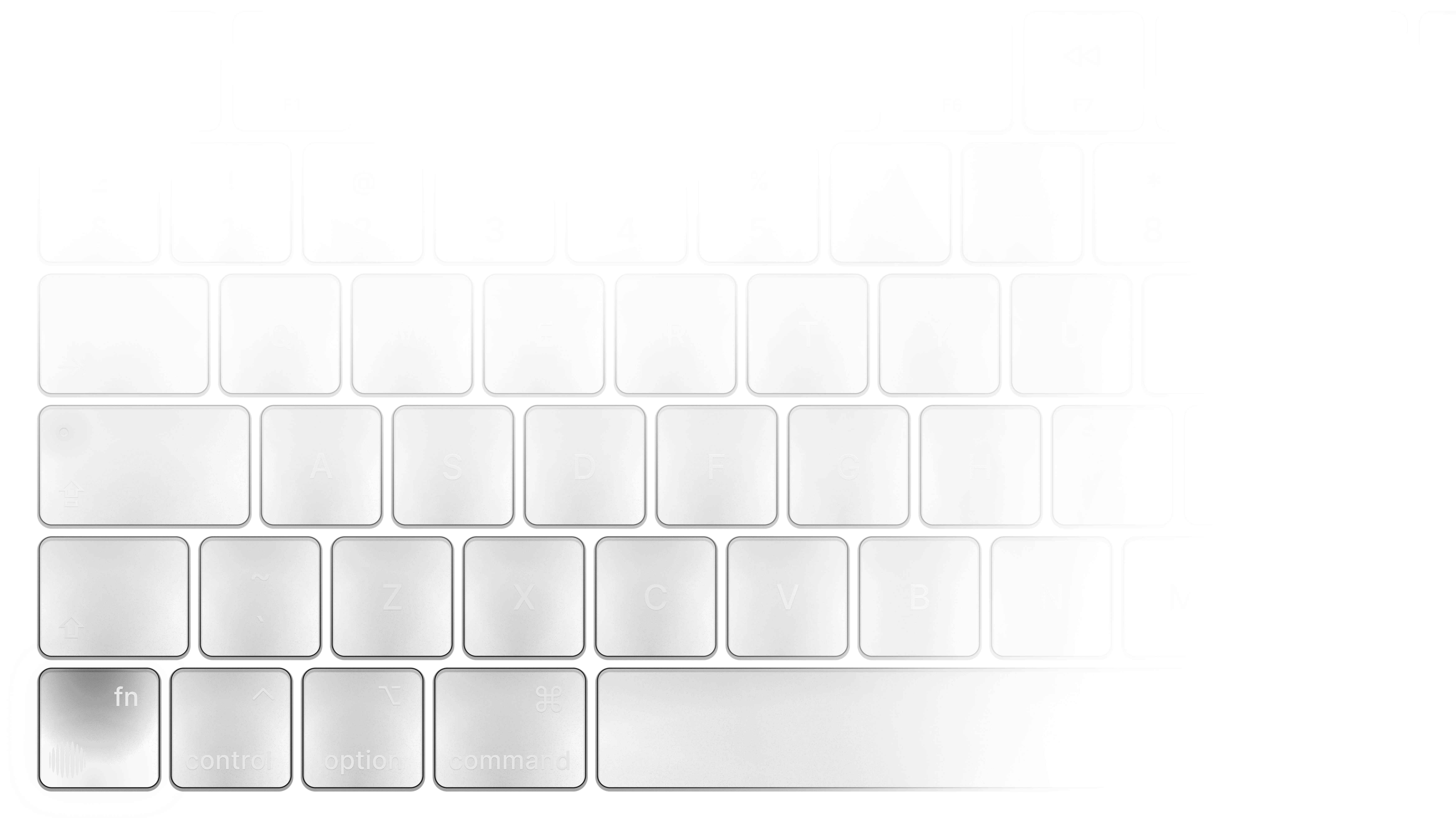
A truly native experience.
Available for macOS and Windows. *
Speechly screen recorders are built with 100% native code for optimal system performance and resource management.

Oct 21, 2025
Speechly vs Willow Voice: Which Mac Speech-to-Text Tool Wins in 2025?
Oct 13, 2025
Speechly vs Wispr Flow: Complete Comparison for Mac Users 2025
Oct 12, 2025
Speechly vs Superwhisper: Which Mac Dictation Tool is Best in 2025?
Oct 11, 2025
7 Best Speech-to-Text Apps for Mac in 2025 (Tested & Ranked)

Used by 1200s of professionals to speed up their thoughts


Get Speechly Free

Get Speechly Free
Frequently asked questions.
Can I cancel my subscription at any time?
Yes. You can downgrade or cancel your subscription at any time from your Billing settings. No questions asked.
Can I try Speechly Pro for free?
Yes! When you create your account, you get a 7-day free trial of the Pro plan. No credit card is required. After the trial, you'll stay on the Free plan unless you choose to upgrade.
How do I upgrade my plan?
You can upgrade anytime from your app or web dashboard. Just go to Settings → Plan & Billing, then choose the plan that fits you best.
Do you offer team plans?
Yes. Pro Teams starts at $9/user/month for a minimum of 3 users. It includes all Pro features plus centralized billing, admin tools, and (soon) shared team context.
Can I use Speechly on multiple devices?
Yes. Your Pro or Team subscription works across all your devices including desktop, web, and mobile as long as you're logged into the same account.
Stop typing, just speak
100
Get Speechly Free
Get Speechly Free
Trusted already by 1.2k+ users